Installation
Téléchargez l'extension Cart'In
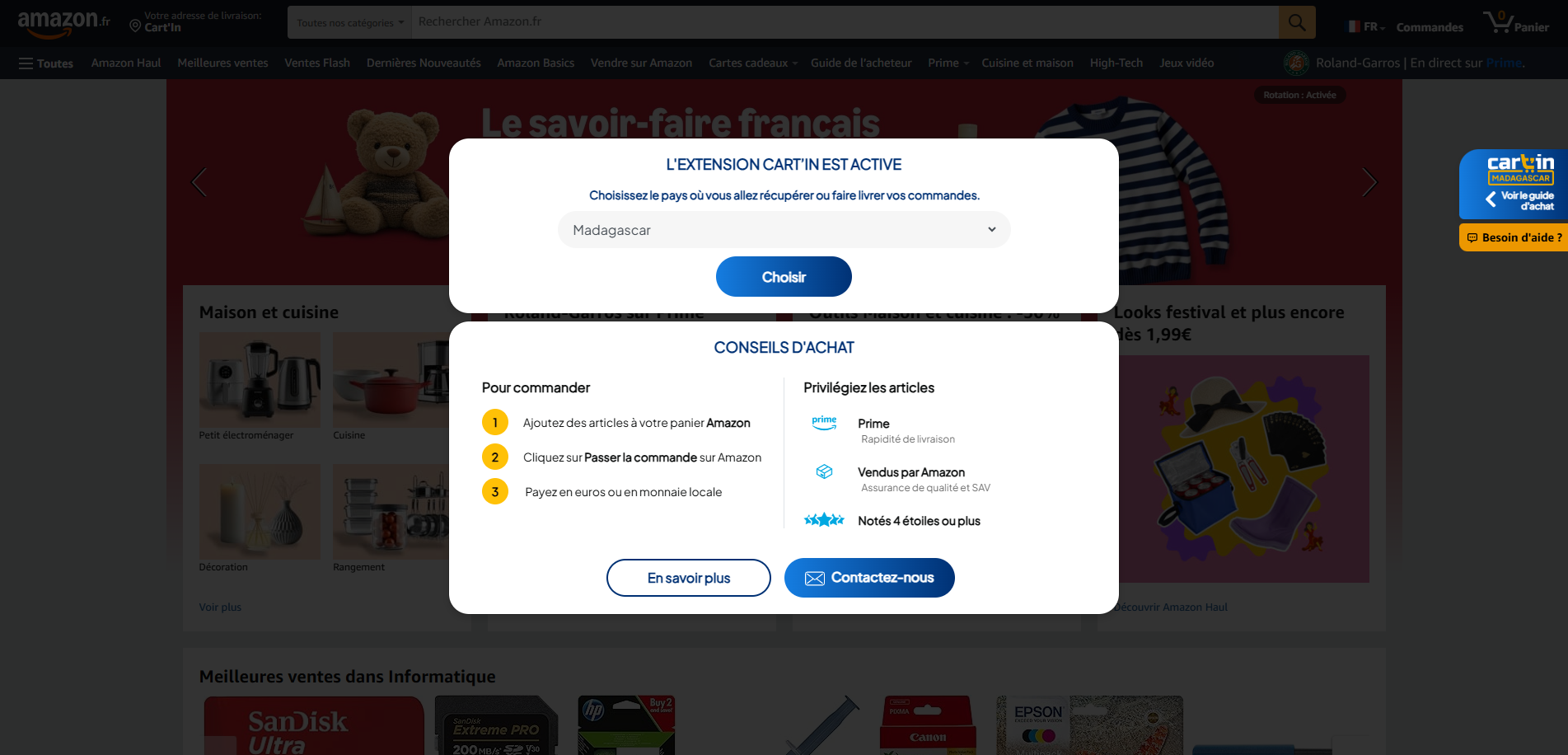
Sur votre navigateur Chrome ou Safari, cliquez sur le bouton ci-dessous. Observez la vignette rouge apparaissant à droite de votre écran, signalant ainsi que l'extension est activée
Installez l'extension Cart'In
Navigation
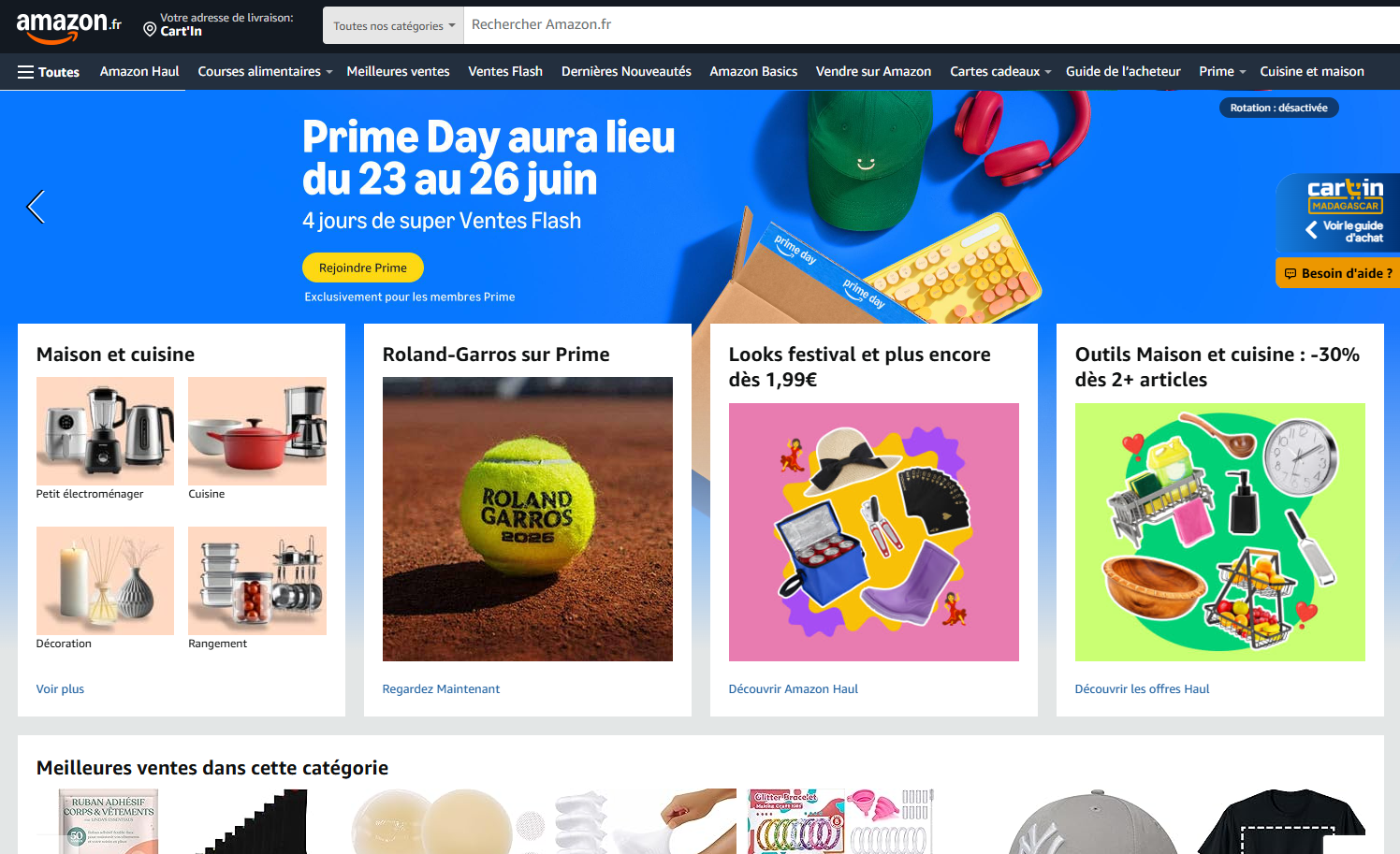
Allez sur Amazon.fr
Visitez simplement amazon.fr pour parcourir les articles. Vous n'avez pas besoin d'un compte Amazon pour commander sur Cart'In
Cart
Remplissez votre panier
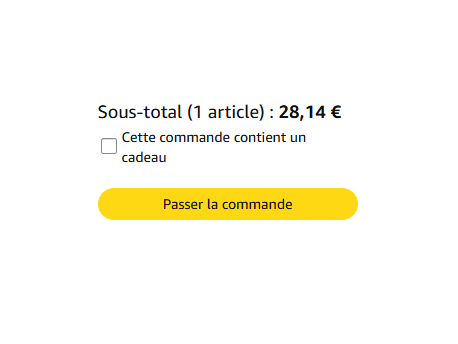
Ajoutez ce dont vous voulez acheter dans votre panier Amazon. Appuyez ensuite sur « Passer la commande ».
Payment
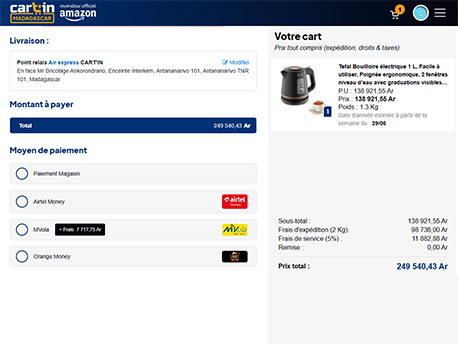
Payez en monnaie locale (ou en euro)
Dès que vous cliquez sur « Commander », vous serez redirigé vers le site Cart'In pour confirmer votre commande. Tous les moyens de paiement sont à votre disposition.
Installation
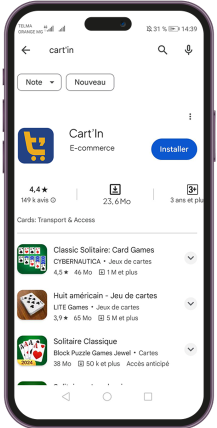
Téléchargez l'application
L'application est disponible sur Google Play et l'App Store. Si vous êtes sur mobile en ce moment, cliquez sur le bouton ci-dessous.
Navigation
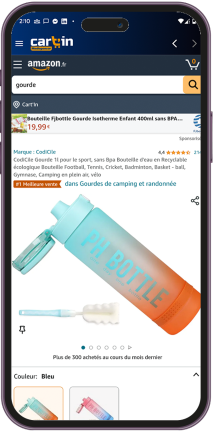
Remplissez votre panier
Naviguez, faites vos choix et ajoutez vos produits à votre Panier Amazon puis cliquez sur l'onglet "Panier" pour passer votre commande.
Cart
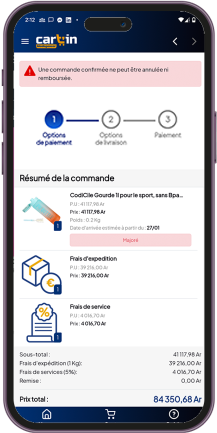
Procédez au paiement
Payez directement sans sortir de l'application ! Différentes modalités et moyens de paiement vous sont proposés pour faciliter votre achat.